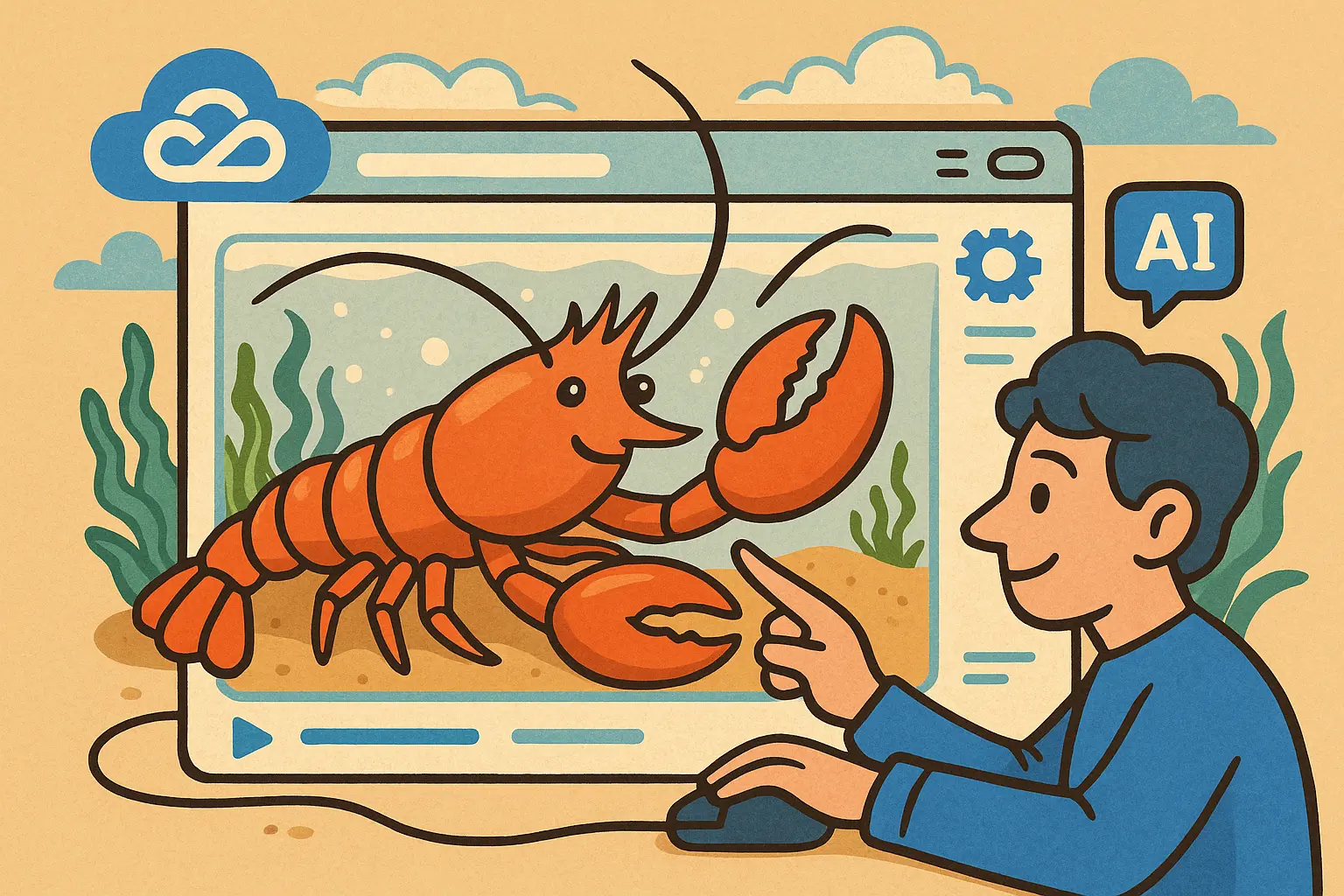
Tencent Cloud officially launches China’s first browser-native AI agent, “QBotClaw” (nickname: “Lobster”), integrated into the desktop version of the QQ Browser. Users don’t need to enter the cloud console, and don’t need to download any additional software—just click the “AI” button in the browser sidebar to enable it. QBotClaw is fully compatible with the OpenClaw skills ecosystem, supporting freely configuring API Keys for major domestic mainstream large models.
QBotClaw: A threshold revolution—from cloud configuration to direct browser use
In the past, “raising” an AI agent locally required understanding code, setting up the runtime environment, and going into the cloud console. The technical threshold kept many non-technical users from getting started. QBotClaw runs based on the QQ Browser integration architecture, meaning any user who uses the QQ Browser can immediately have an always-on, standby AI agent—while all complex configurations are completely hidden in the underlying layer.
This shift is Tencent’s latest achievement in its path to democratize AI agents—ranging from the “AI Gaokao Coach” serving more than 130 million users, to today’s QBotClaw. The QQ Browser continues turning complex AI technologies into tools that are readily within reach for everyday use.
Core usage scenarios: offload repetitive work to the Lobster
The core value of QBotClaw lies in automating repetitive tasks across pages. Two typical scenarios clearly demonstrate its practical utility:
Scenario 1: Cross-platform price comparison. The traditional approach requires manually opening multiple e-commerce listing pages, browsing them one by one, and comparing them manually. After using QBotClaw, you only need to input a single instruction—it automatically pulls data across pages from platforms such as Taobao, JD.com, Pinduoduo, and outputs clear price-comparison results and purchase recommendations.
Scenario 2: Synchronize and publish content across multiple platforms. For users who need to publish content on multiple platforms every day, copy-paste is repetitive physical labor. After receiving a single instruction, QBotClaw can automatically open the target web pages, fill in the content, and complete the publishing process—no manual intervention required throughout.
QBotClaw’s four core technical capabilities
QBotClaw can execute complex tasks with a low barrier to entry, relying on the following four core technical capabilities:
Technical architecture overview
Precise element recognition: Built-in proprietary QQ Browser Skill that can accurately parse various elements on dynamic web pages, with a high success rate and fewer errors
Deep contextual memory: Understands global information such as the current web page content, logged-in accounts, and opened documents, so users don’t need to repeatedly explain the background to complete tasks in a coherent way
WeChat remote control: After scanning to pair via WeChat Clawbot, users can send instructions through WeChat while on the go, driving the office computer to automatically capture web pages or handle documents
3D security safeguards: Three layers of protection—security sandbox isolation, instruction Markdown constraints, and the SkillHub authentication mechanism—strictly enforcing blacklists to prevent the AI agent from operating beyond its permissions
Compatibility: Connects to multiple model ecosystems, seamlessly integrating with OpenClaw
QBotClaw is fully compatible with the OpenClaw skills framework. Users can freely configure API Keys for major domestic mainstream large models, including Tencent Hunyuan and others. It has flexible underlying model switching capability and is not locked to a single vendor.
Frequently asked questions
What is the relationship between QBotClaw and OpenClaw?
QBotClaw is the integrated implementation of the OpenClaw skills framework on the browser side. It is fully compatible with all OpenClaw skills. Users can directly call OpenClaw’s various automation functions from the QQ Browser sidebar, without needing any additional configuration or switching platforms.
How do I use QBotClaw’s WeChat remote control feature?
After pairing via WeChat Clawbot’s QR-code scan, users can directly send task instructions in WeChat to drive the connected computer to automatically carry out the corresponding actions. Even when you’re not near the computer, you can still remotely drive the AI Lobster to handle tasks.
Which operating systems does QBotClaw currently support?
QBotClaw launches with a Mac version first, and the Windows version is coming soon. Users only need to click the “AI” button in the QQ Browser desktop sidebar on the corresponding operating system to enable it directly, without installing any additional software.
Disclaimer: The information on this page may come from third parties and does not represent the views or opinions of Gate. The content displayed on this page is for reference only and does not constitute any financial, investment, or legal advice. Gate does not guarantee the accuracy or completeness of the information and shall not be liable for any losses arising from the use of this information. Virtual asset investments carry high risks and are subject to significant price volatility. You may lose all of your invested principal. Please fully understand the relevant risks and make prudent decisions based on your own financial situation and risk tolerance. For details, please refer to
Disclaimer.


